 Zoomosaic
For macOS
Every image in a folder,
on one infinite canvas.
Zoomosaic lays out a whole folder, subfolders included, as a wall you can zoom from overview to pixel. Re-sort it by color, size or similarity, surface duplicates, and mark picks without leaving the keyboard.
See everything at once
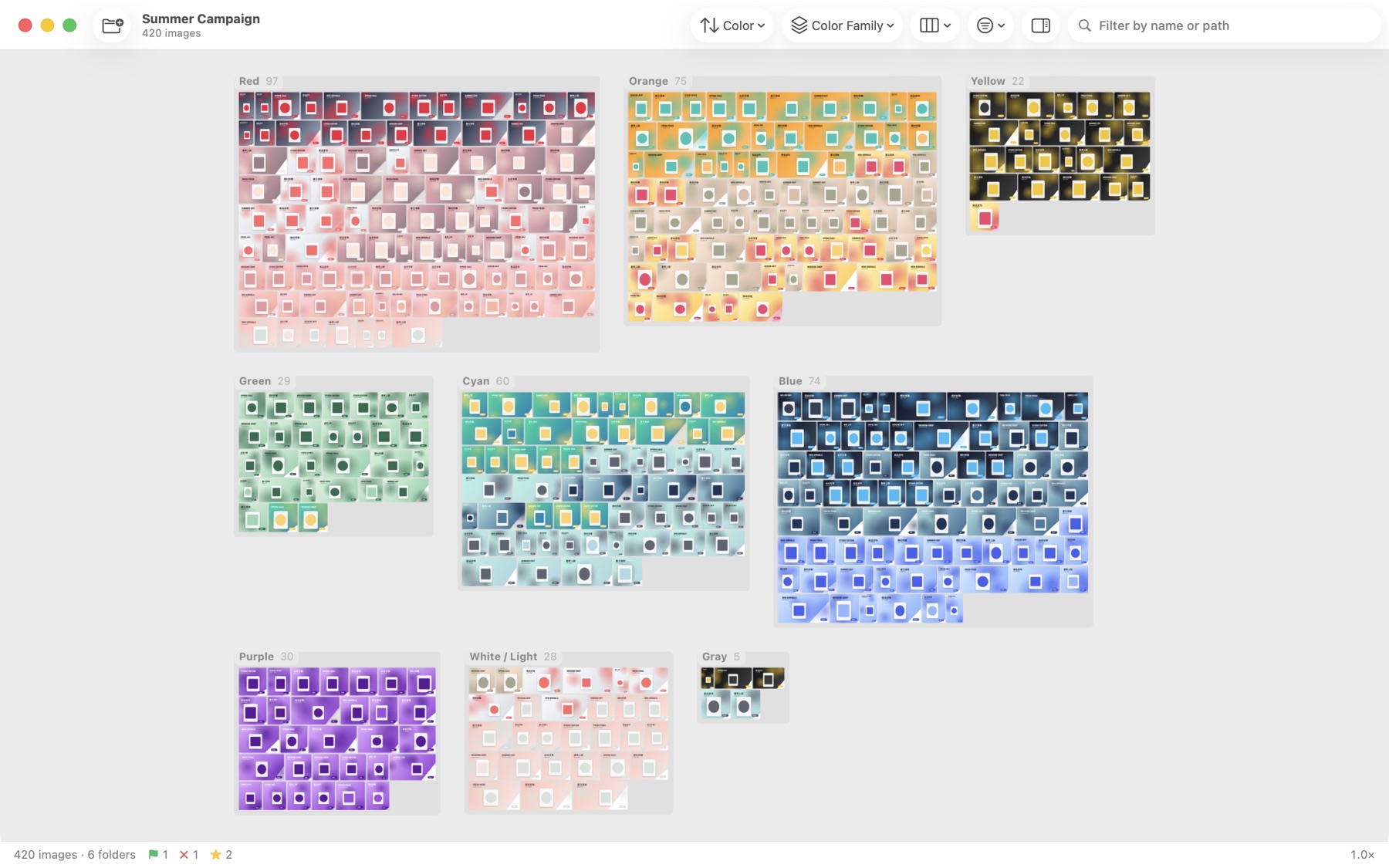
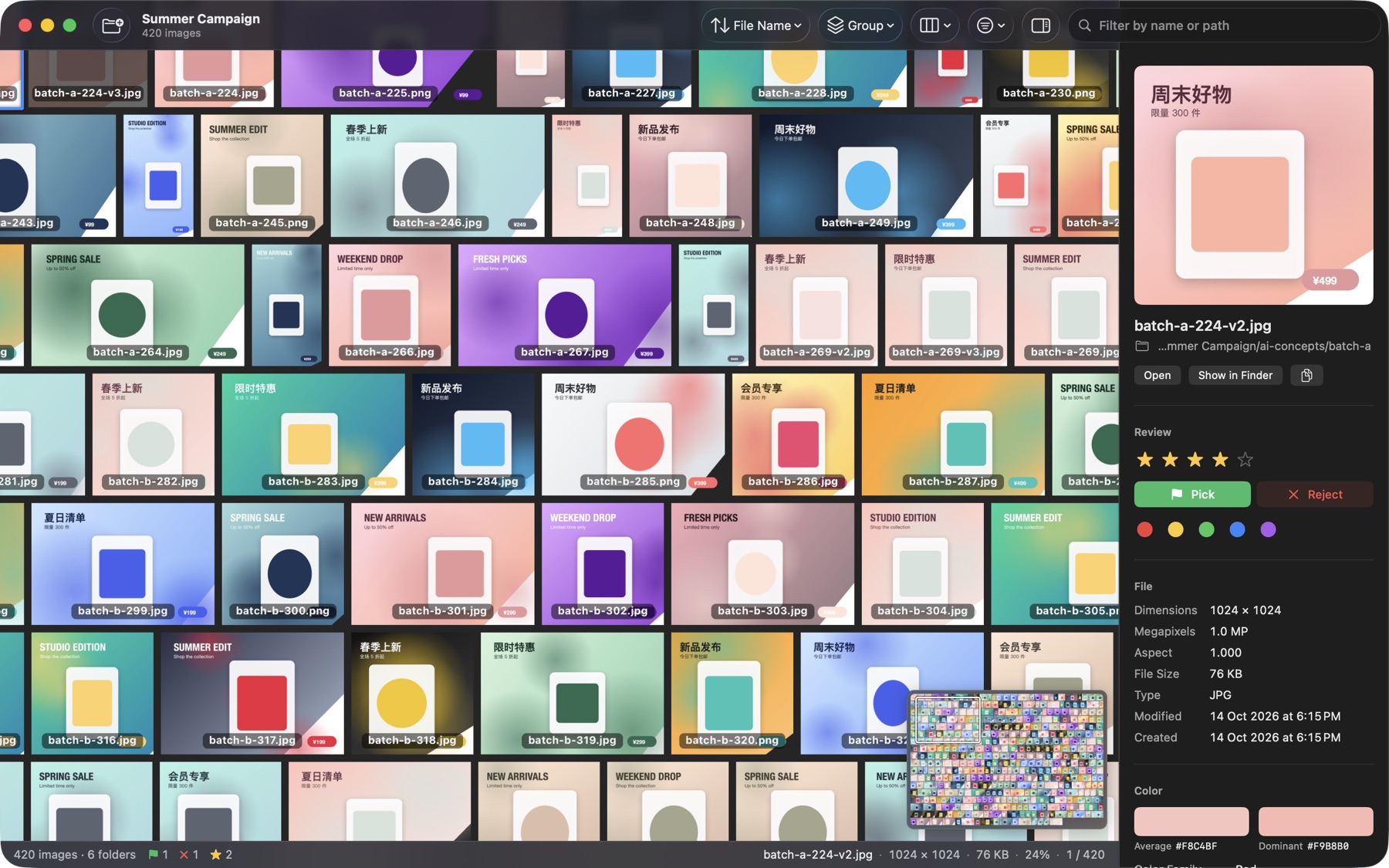
Drop in a folder and it fills the canvas in seconds. Zoom out and ten thousand images become a mosaic; zoom in and full-resolution pixels load as you go. Every folder becomes an island you can jump to.
Rearrange it in one click
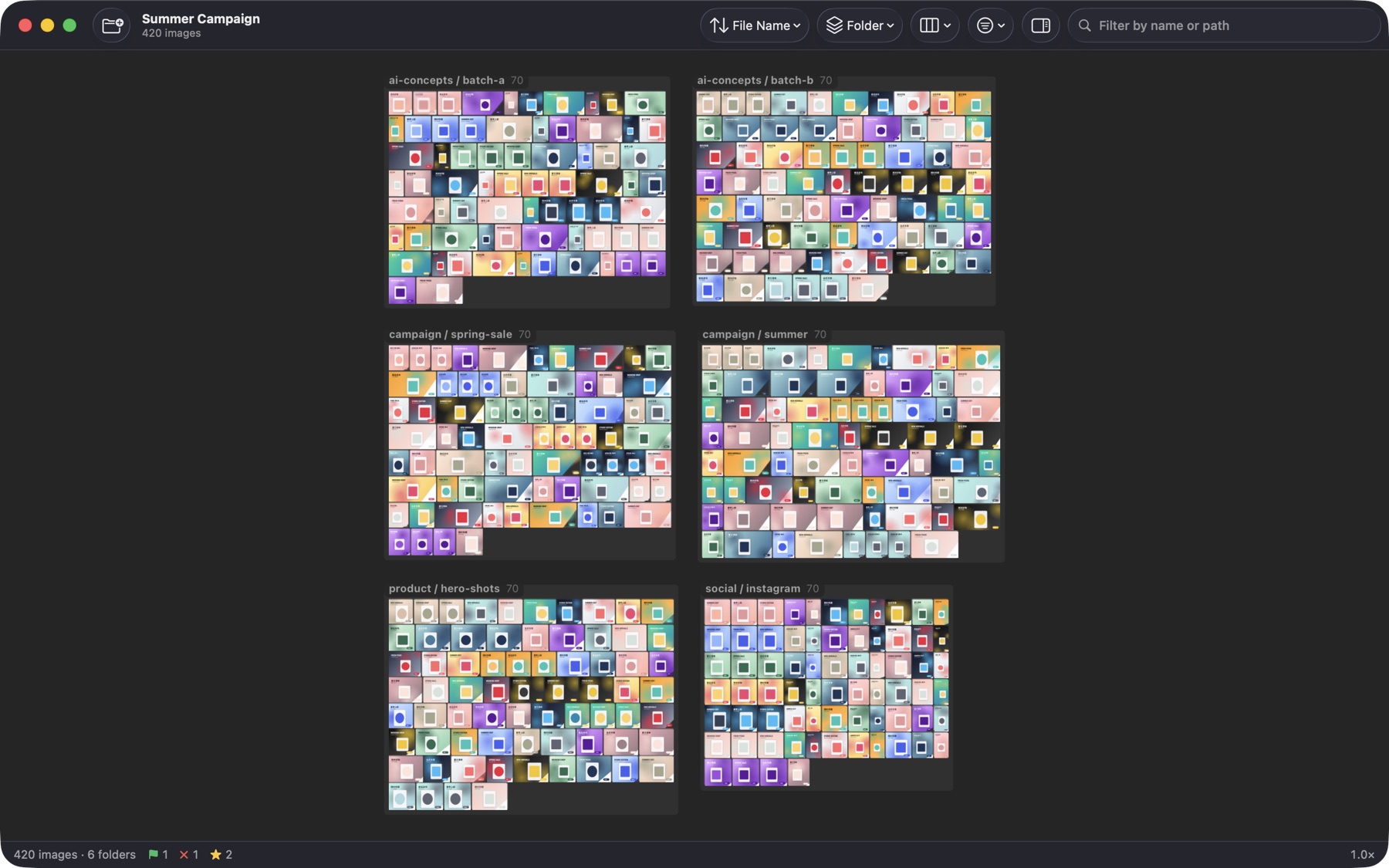
Sort by name, size, dimensions, date or color. Group by folder, file type, identical dimensions, orientation or color family. Images fly to their new places, so you always know where things went.
Review from the keyboard
1–5 to rate, P to pick, X to reject, 6–9 for color labels, ⌘Z to undo. Press Space to focus one image with the rest dimmed, then step through with the arrow keys. Marks are saved and come back next time.
Find duplicates in seconds Pro
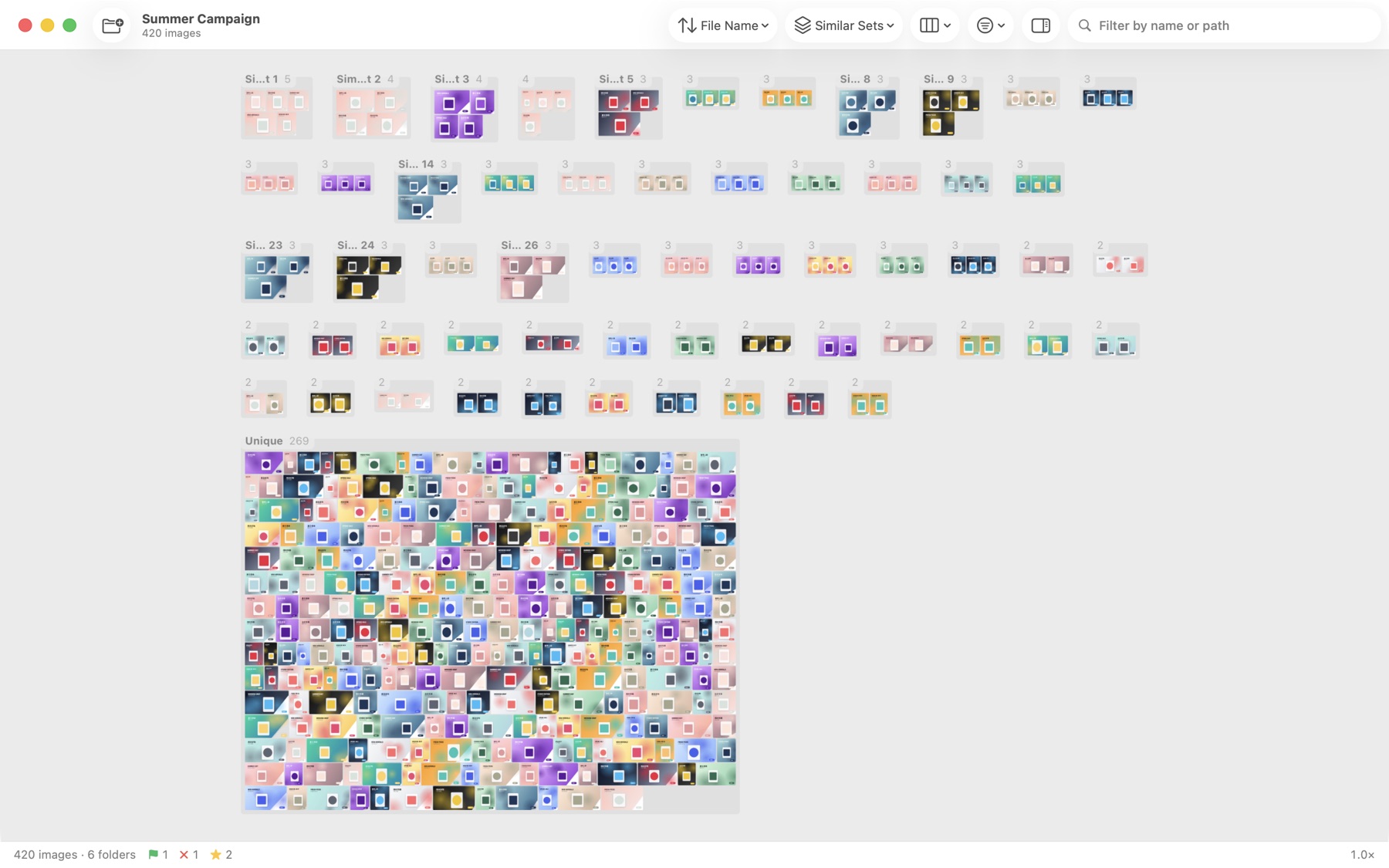
Near-duplicates and versions are grouped into sets automatically, or sort the whole wall by visual similarity. The repeats you'd normally hunt for are simply next to each other.
Built for people who review images all day
Every common format
JPEG, PNG, HEIC, WebP, AVIF, TIFF, GIF, PSD, camera RAW and more, read by macOS itself.
Fluid at 10,000+ images
Thumbnails are prepared off the main thread and shown within a per-frame budget, so zooming never stutters.
Check actual pixels
⌘1 shows one image pixel per screen pixel; the status bar always shows the real on-screen percentage.
Neutral surroundings
Black, dark, middle or light gray, or white canvas, so colors and contrast are judged fairly.
Drag results anywhere
⌥-drag images straight into chat, mail or Finder. Copy paths, reveal in Finder, open in your editor.
English and 简体中文
The whole app follows your Mac's language.
Free to use. Pro when it's your job.
Viewing, sorting, color grouping and marking are free with no limits on images. Pro adds the things that save hours.
Free
Free
- Unlimited images and folders
- Infinite canvas, focus mode, minimap
- Sort and group by color, size, folder…
- Ratings, flags, color labels, filters
- Open, reveal, copy and drag single images
Pro
$19.99 / yearor$49.99 once
- Everything in Free
- Duplicate and similar-image sets
- Sort by visual similarity
- Export review CSV, copy picks, trash rejects in bulk
- Multiple folders on one canvas
- Future Pro features included
Try every Pro feature free for 14 days. The trial never charges you.
Your images never leave your Mac.
Every bit of analysis happens locally. Zoomosaic has no account, sends nothing to any server, collects no data and never changes your originals.
Read the privacy policy →